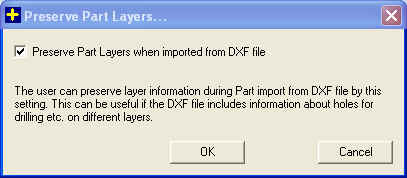
The user can preserve layer information during Part import from DXF file using this dialog. It can be useful if the part has holes for drilling and the machine identifies the hole from its layer or similar other situations. The user can check Preserve Part Layers when imported from DXF file if he is interested in preserving layers before importing parts from DXF file. By default the layer will not be preserved.
Save As Default: The user can do this setting once and save it as default so that for all new projects he doesn't have to do it again